
Result
Mobile payment app
Launched with the most important core features, continuously developed and has firmly established itself in the Swiss market.

- Ease of useThanks to user and accessibility tests, the app is intuitive to use and accessible to all user groups.
- More featuresManagement of customer cards, coupons, wallt features and other convenience functions for the user.
Payments to stores
Stress-free payment at the checkout, conveniently in online shops or at the village shop around the corner. Via QR code, Bluetooth or input code.

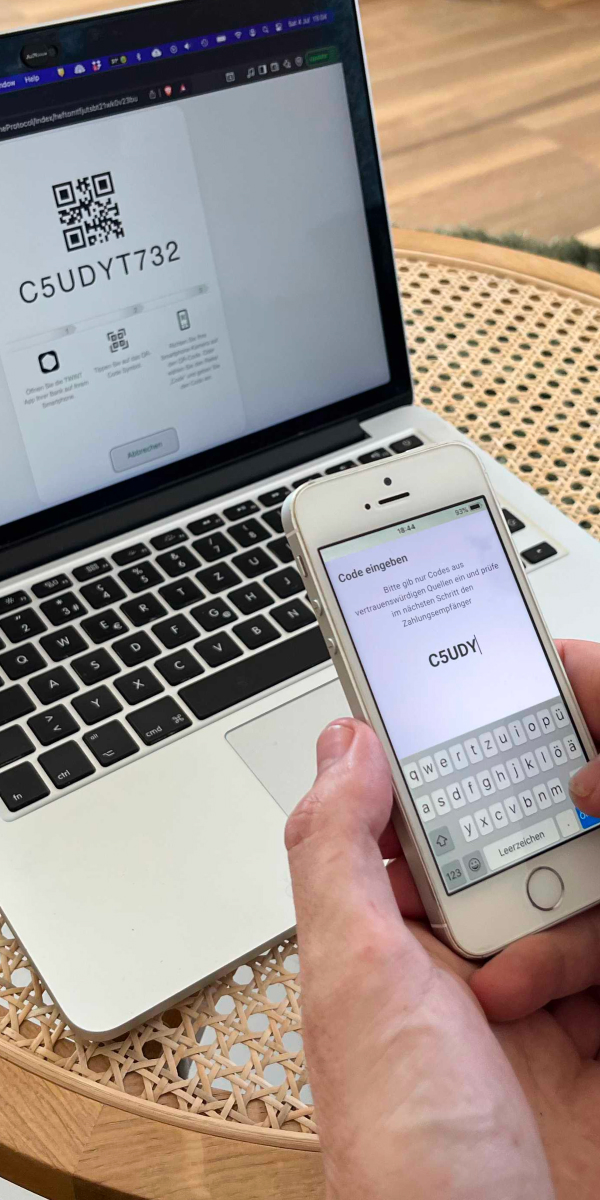

Transfers between people
Sending and receiving money between private individuals is straightforward and possible directly.

Initial situation
Market situation & project start
- Mobile payment is becoming increasingly importantThe smartphone is increasingly becoming the central means of payment.
- Market pressure and positioningThe client is late in the market compared to the competition and has to catch up in order to secure a leading position.
- Coordination and implementationThe client's project management works closely with our team of developers, testers, UX design and project management.
No-code testing
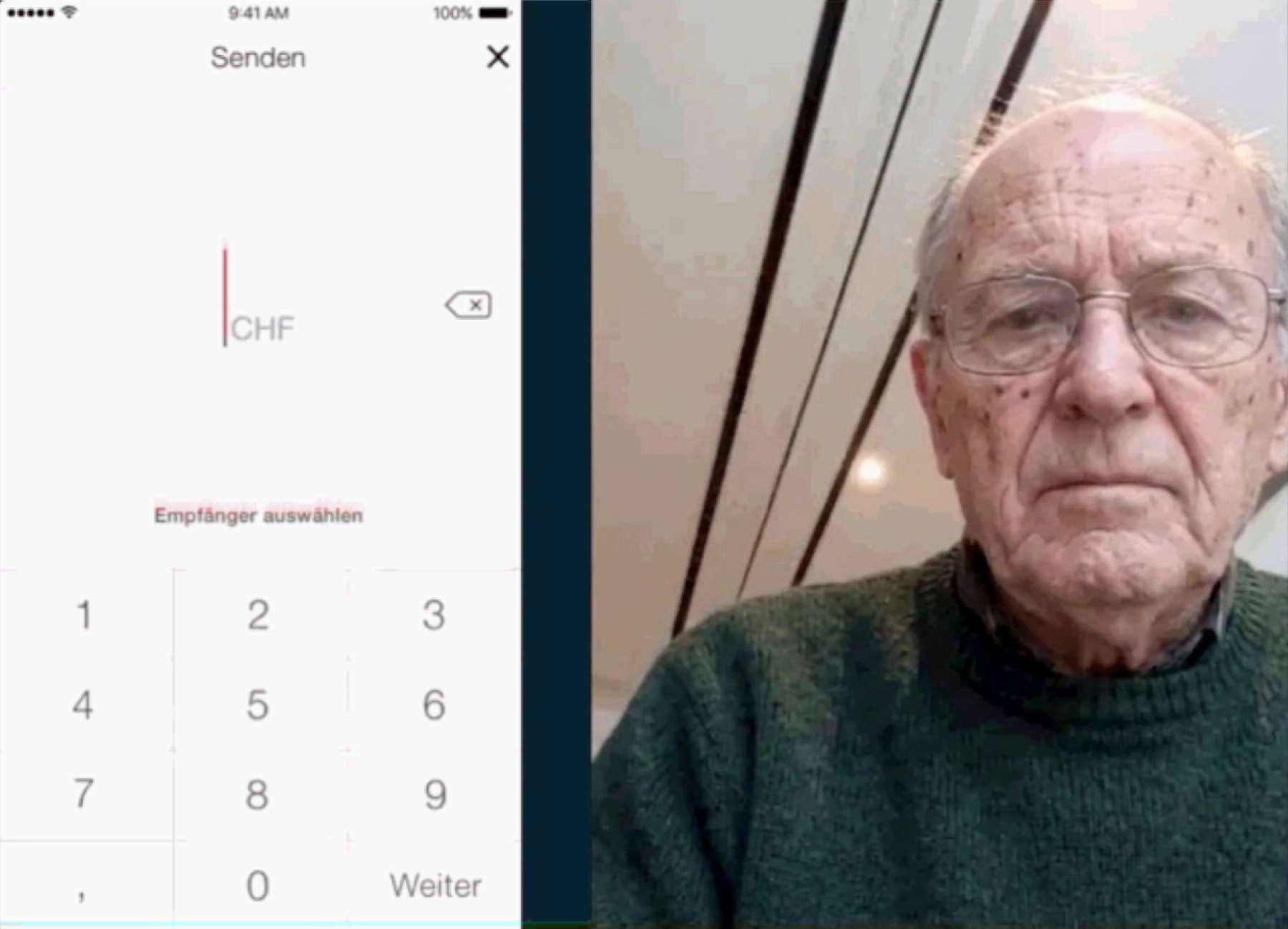
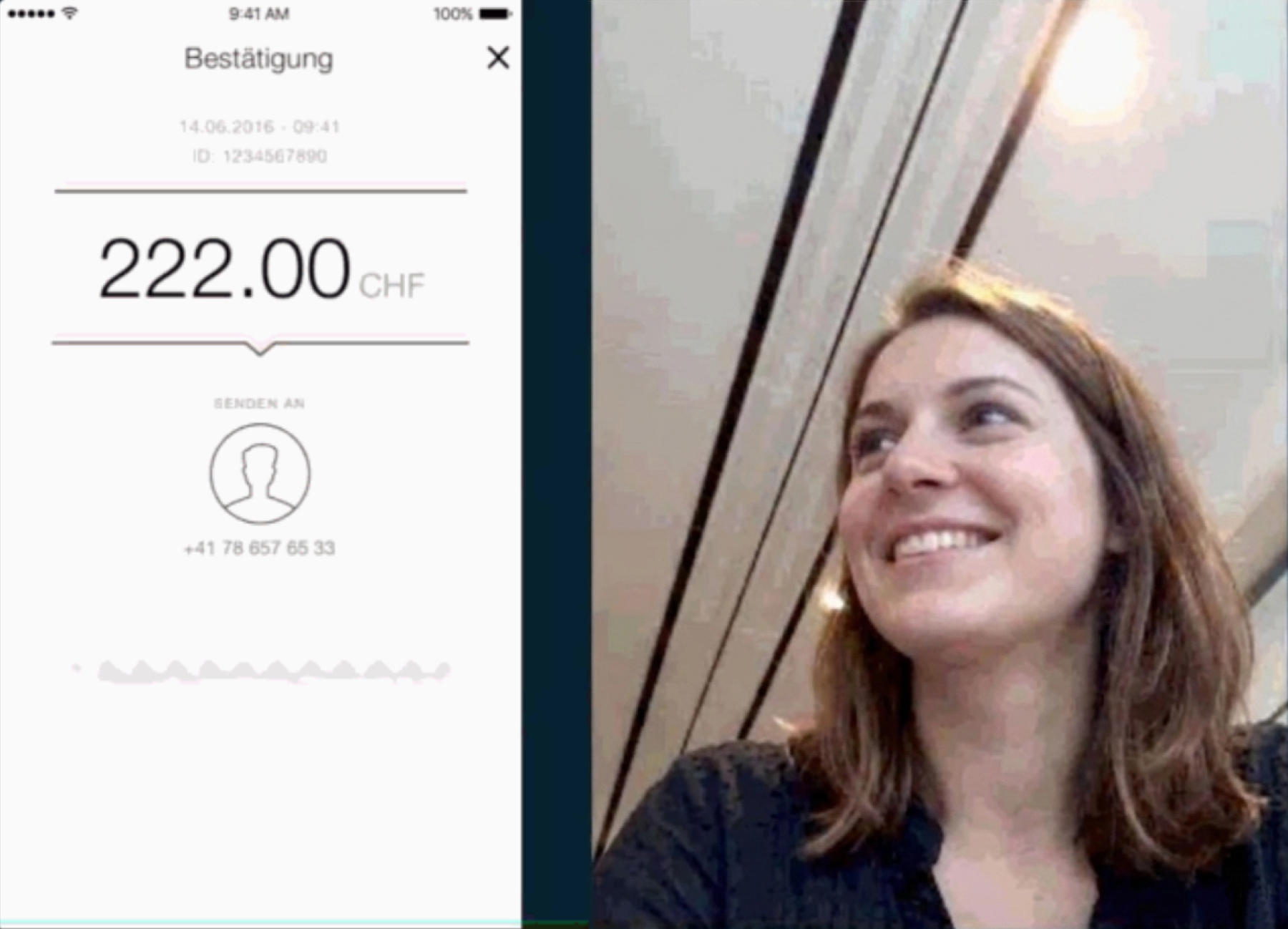
Moderated laboratory study
Test subprojects solve tasks on the prototype (mobile & desktop) and speak their thoughts out loud in order to immediately identify hurdles.


Structure & Design Validation
A/B testing to check texts and layout as well as card sorting to prioritize functions.


Role play
Service simulation (bodystorming)
In addition to the digital interactions, all physical processes are also simulated.
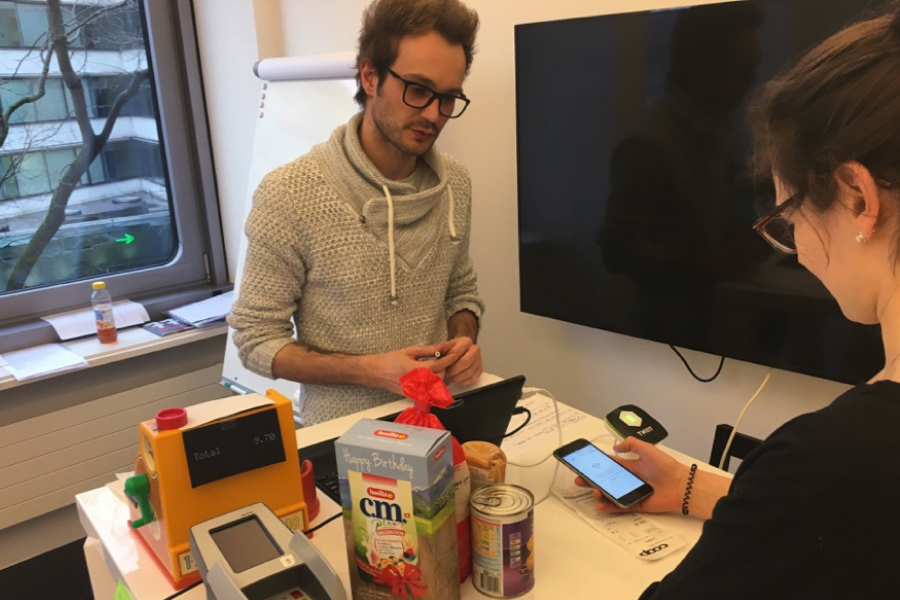

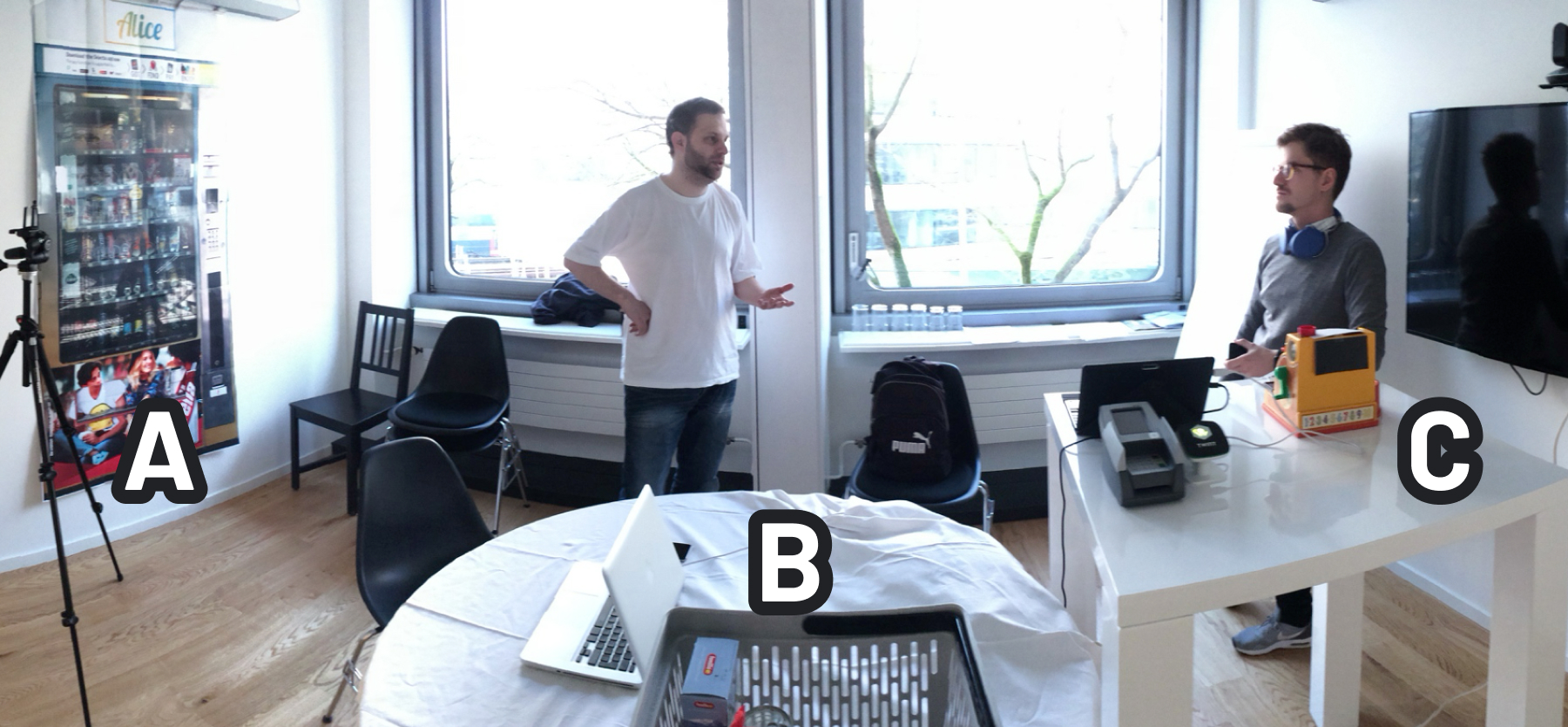
- Scenario A - QR code payment at a life-size printed vending machine.
- Scenario B - Payment code in a clickable prototype in online retail, including checking the forced device switch between smartphone and desk screen.
- Scenario C - Payment process via Bluetooth as a role play at the checkout with underlying time pressure due to the checkout situation.
Field test
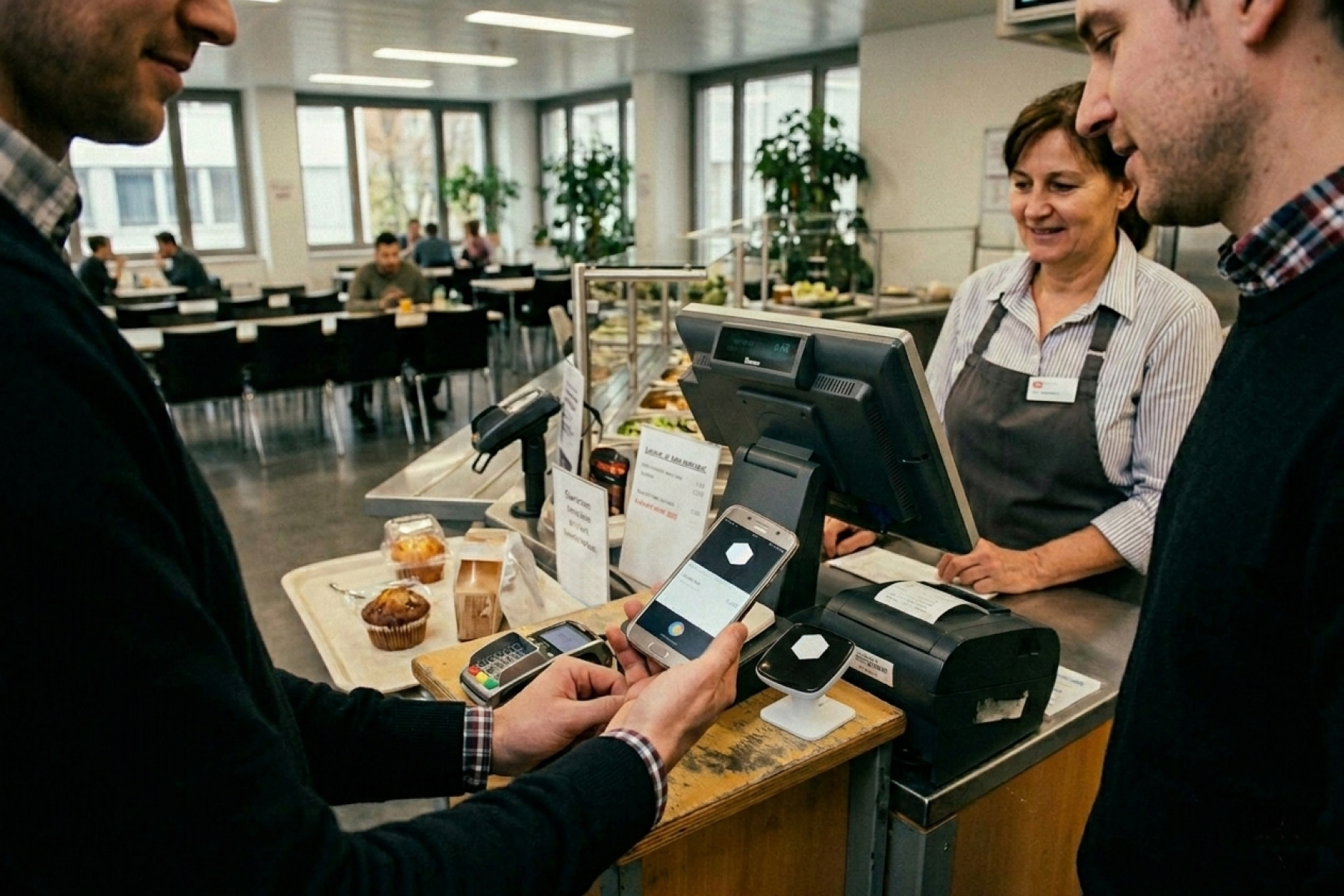
The client's staff canteen
Enables testing under real-world conditions, including social interaction and technical hardships such as offline payments.
Design cycle
Common process of feature development
- Customer briefingRequirements for a new function are discussed with the client and open points are clarified at at early stage.
- Design elaborationDesign concepts are created, coordinated internally and specified after acceptance by the client.
- Implementation and supportDevelopment of functions, with at accompanying focus on usability and micro-interactions.
- Quality testing & presentationFinished functions are tested, final adjustments are made and finally presented to the client.